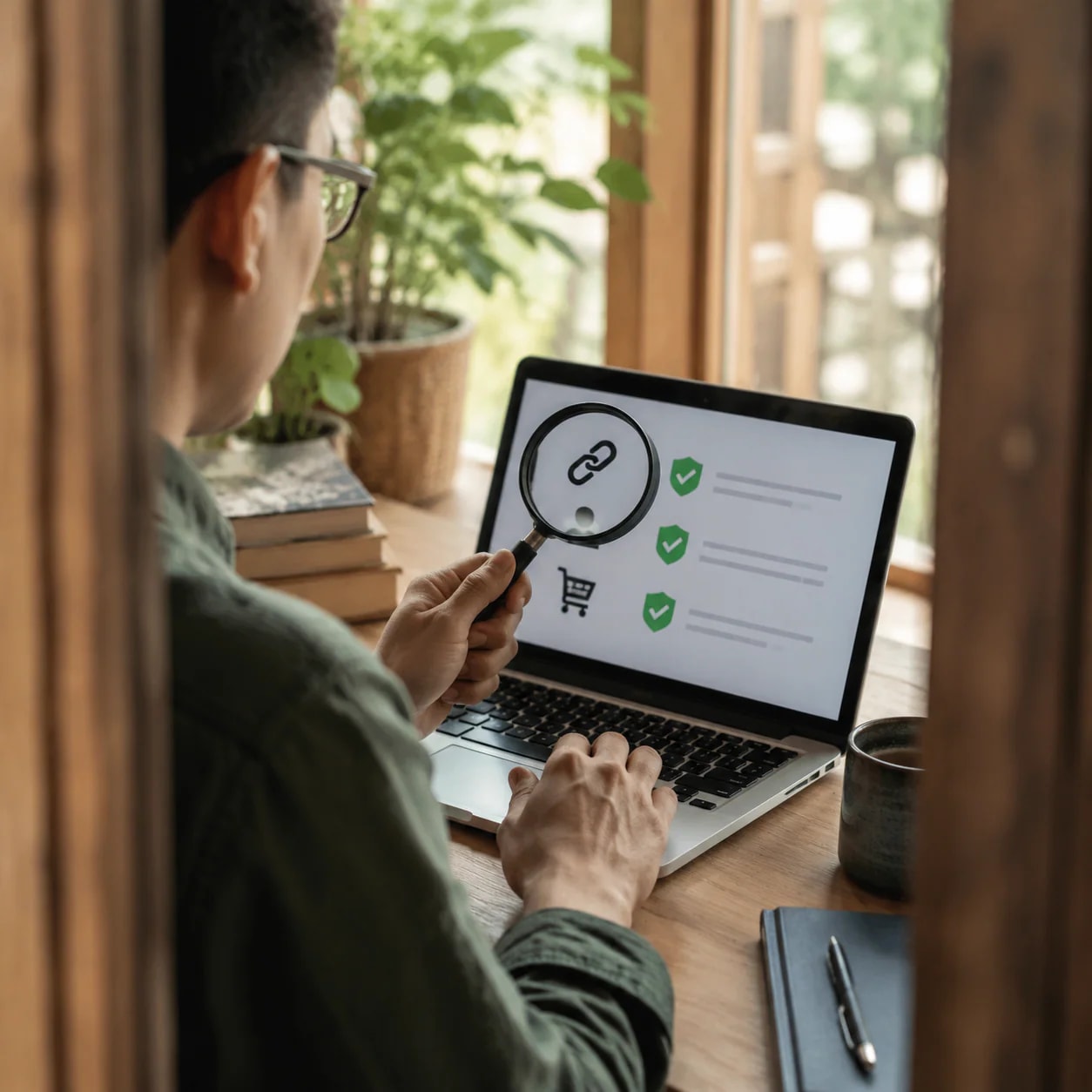
A practical, evidence-backed checklist for evaluating unexpected messages, social accounts, unfamiliar sellers, and account or device settings before you click, share information, or shop.
Why a convincing digital channel may still be unsafe
A message or account can look familiar without being trustworthy. Social engineering relies on impersonation, deception, and manipulation to obtain personal data. Phishing is one common form of this approach.
A suspicious contact may claim that there is an urgent problem with an account or device, then ask for a password, security code, personal information, or money. The appearance of a known company is therefore not enough to establish authenticity. Treat unexpected requests as claims that need independent verification, especially when the sender wants sensitive information or immediate action.
Pause before responding to unexpected messages or calls
When an unexpected message or call asks you to act, pause before replying. Apple’s guidance recommends being skeptical of unsolicited contacts and unexpected requests for personal information.
Use this first-response sequence:
1. Do not provide passwords, security codes, personal data, or money in response to the initial contact. 2. Do not click links in suspicious or unsolicited messages. 3. Do not open or save unexpected attachments. 4. If the request might be legitimate, find the organization’s official contact route independently and contact it directly.
Independent verification matters because replying, calling a number supplied in the message, or following its link keeps you inside a channel controlled by the sender. Locate the organization’s contact information separately instead of assuming the message has directed you to the correct destination.
How to assess whether a social account is authentic
Impersonation accounts may imitate a real creator or organization through a similar name, deceptive spelling, copied profile image, matching banner, or familiar colors. These visual signals can make an account appear official at a glance.
Inspect the account identity carefully rather than relying on one familiar element. Compare the spelling and presentation with a channel reached through an independently located route. Be alert to small name changes and copied branding.
Words such as “Real” or “Official” do not prove authenticity. YouTube’s policy examples specifically show that adding these words to a channel name does not make an impersonating channel legitimate. Treat such labels as unverified claims, not as evidence that the account belongs to the person or organization it represents.
What to do when you find a suspected impersonation account
Avoid interacting with a suspected impersonation account while you verify its identity. If the platform provides a reporting feature, use the procedure documented by that platform.
YouTube, for example, allows users to report channels that impersonate them or other creators. It may remove a channel when it determines that the channel is being used for impersonation. This is a documented YouTube example, not evidence that every service has the same rules, reporting tools, or enforcement process. Check the relevant platform’s own options before taking action.
How to check an unfamiliar online store
Before shopping through an unfamiliar website, look for a clearly identified seller and usable contact details. A store that does not clearly disclose who operates it can leave shoppers unable to confirm the other party to the transaction or determine whom to contact about their rights.
Review the available business and seller information instead of judging the store only by its design. Missing, unclear, or unusable identity and contact disclosures are warning signs that call for more verification. They are not, by themselves, definitive proof that a store is fraudulent.
The cited Czech Trade Inspection Authority guidance identifies an unknown seller, missing contact information, and absent legally required information as important risk indicators. Because that guidance is intended for Czech consumers and partly reflects a European legal setting, use it here as a general verification framework rather than as a statement of US legal requirements.
Why a risk list cannot guarantee that a store is safe
A risk-store list is only one input in a safety check. The Czech Trade Inspection Authority states that its own list of risky online stores is not complete. A store’s absence from that list does not establish that shopping there is safe.
Do not treat any comparable list as a universal approval system. Continue checking the seller’s identity, contact details, and business disclosures even when the store does not appear on a warning list. The cited list and guidance are Czech resources; they should not be interpreted as US law or as a complete directory of risky websites for US shoppers.
Strengthen device, account, and sharing safety
Digital access safety also depends on the condition of your devices and the permissions attached to your accounts. Apple’s personal safety guidance recommends installing the latest operating-system, security, and privacy updates. It also recommends reviewing who and what can access shared information.
Apple provides Safety Check and related checklists for reviewing sharing and access. These are Apple-specific examples, not universal features available on every device or platform. Use the security and privacy controls supplied by your own system or service, and keep those systems current when updates are available.
Consider personal safety before changing access or sharing
Changing passwords, permissions, devices, or shared information may have personal-safety consequences in situations involving tracking, harassment, or an unsafe relationship. Apple’s personal safety guidance advises considering the possible impact before changing or deleting information or adjusting account, device, and sharing settings.
The safest sequence can depend on the circumstances. Before making a change, consider whether it could alert another person, remove information you may need, or otherwise affect your immediate safety. This caution does not mean leaving unsafe access unchanged indefinitely; it means assessing the consequences before acting rather than assuming that every immediate change is risk-free.
A quick verification checklist before you click, share, or shop
Use this checklist when a digital channel is unfamiliar or unexpected:
1. Stop: Do not let an urgent claim rush you into responding. 2. Inspect the request: Be cautious when someone asks for passwords, security codes, personal information, or money. 3. Check the identity: Look for deceptive spelling, similar names, and copied profile images, banners, or colors. “Real” and “Official” are not proof. 4. Verify independently: Locate a trusted contact route separately instead of using the link or number in the unexpected message. 5. Avoid unsolicited content: Do not click suspicious links or open or save unexpected attachments. 6. Review the seller: For an unfamiliar store, check whether the operator, contact details, and business information are clearly disclosed. 7. Do not rely on a risk list alone: Absence from an incomplete warning list does not prove that a store is safe. 8. Maintain your devices: Install current operating-system, security, and privacy updates, and review sharing and access permissions. 9. Consider personal safety: In tracking, harassment, or unsafe-relationship situations, assess possible consequences before changing or deleting access and sharing information. 10. Report when appropriate: Use the relevant platform’s documented impersonation-reporting process when one is available.
Before using an unfamiliar channel, pause and verify it through independently located contact information.
Disclosures and limitations
– This article was prepared with AI assistance and is based only on the supplied research package, which cites guidance from Apple, YouTube, and the Czech Trade Inspection Authority. – The cited Czech consumer guidance provides general verification ideas but is not presented as US law. Apple-specific features and YouTube-specific reporting policies are not assumed to apply to every device or platform. – The supplied sources did not include confirmed publication dates. No products are recommended, and no affiliate relationship or affiliate compensation is indicated.
Sources
– About us: Legal Notices – About Us – Publications Office of the EU — About Us – Recognize and avoid social engineering schemes including phishing messages, phony support calls, and other scams – Apple Support — Apple Support – #identitysecurity #cybersecurity | CyberArk — LinkedIn – Impersonation policy – YouTube Help — support.google.com – Phishing – Wikipedia — en.wikipedia.org – G2RS Integrated Risk Management Solutions — G2 Risk Solutions – – YouTube — youtube.com – Who decides when a cyber AI tool is safe to deploy? — TechRadar – Rizikové e-shopy – ČOI — coi.gov.cz – Get safe guide — Apple Support