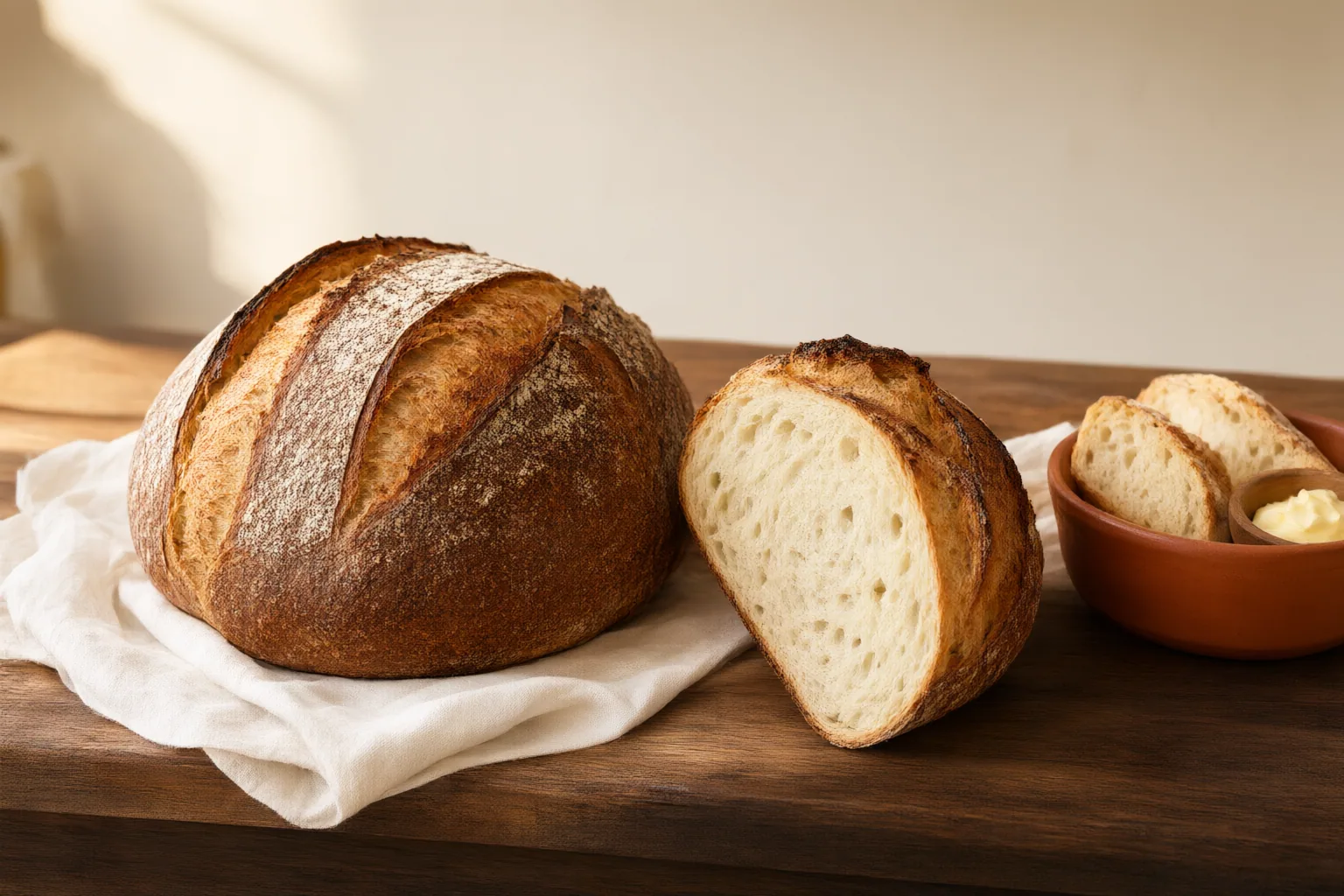
A bakery photo can show a retail item, an opened view of its interior, or a styled arrangement. Because appearance alone cannot confirm what is included, check the product name, quantity statement, caption, and description before choosing.
Start With the Catalog Text, Not the Photo Alone
Begin with the words attached to the image. Look for a product name, quantity statement, caption, and description that explicitly identify what is offered. If those details are missing, the photograph cannot reliably establish whether the purchase contains one item, several pieces, or only the intact product shown beside a display slice.
Treat terms such as “catalog item” cautiously. Even outside retail, documentation can distinguish an individual catalog item from a related composite image, illustrating why the word “item” does not by itself define the contents of a picture or a retail quantity. The supplied bakery-visual guidance likewise offers presentation practices rather than a definitive classification rule.
Use a simple decision order: read the quantity information first, match it to the product name and description, and then use the photograph for visual context. When the text and image appear inconsistent, do not infer the included quantity from the number of visible pieces.
Clues That an Image Shows a Cutaway or Display Arrangement
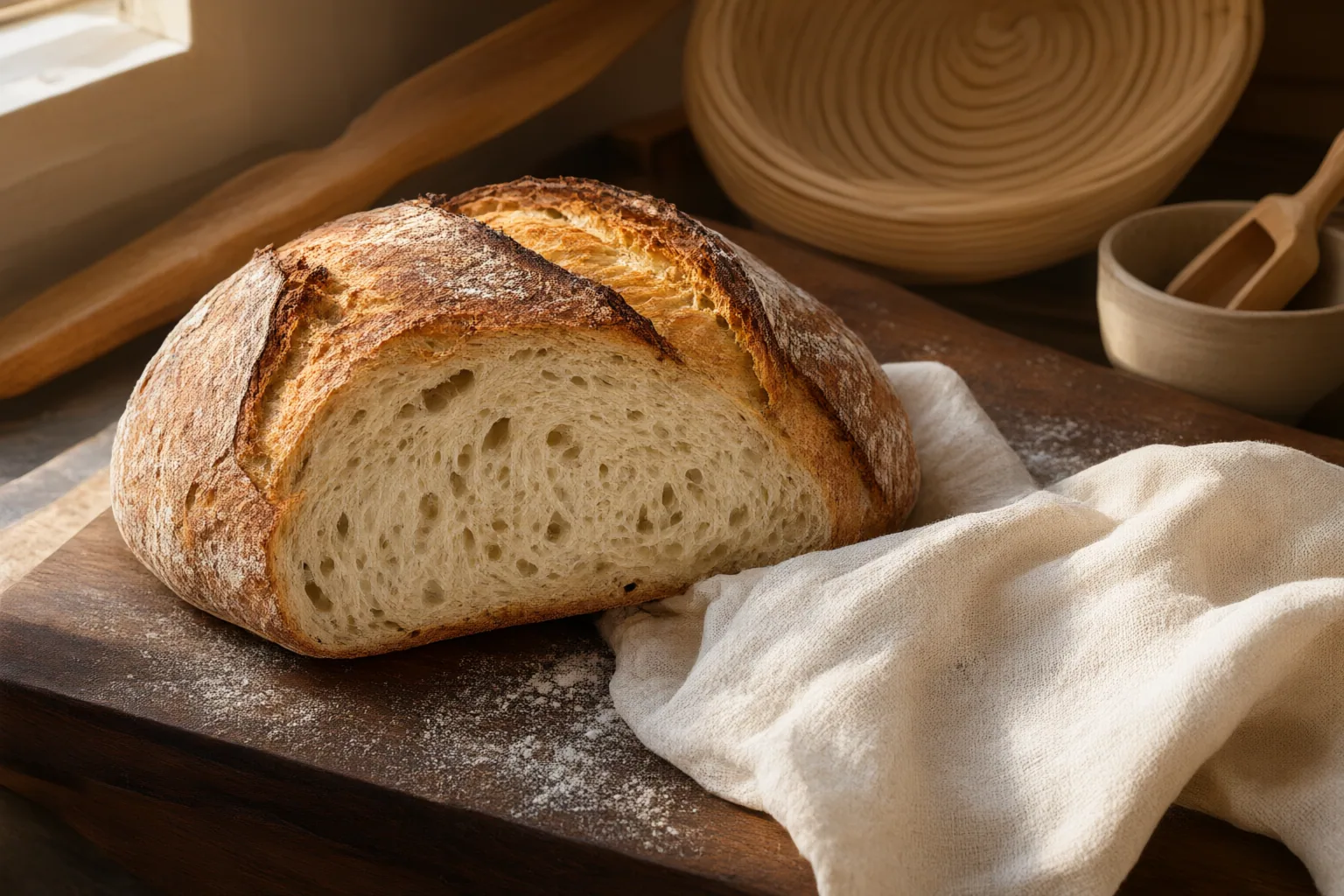
An exposed crumb, visible filling, separated slice, or arranged group of pieces can indicate that the image is designed to reveal details that would otherwise remain hidden. Guidance for bakery photography specifically notes that layer cakes and similar products may be shown with slices so viewers can see the crumb, fillings, and finish.
These clues are useful, but they are not proof of what a shopper receives. A whole pastry beside a cut portion may represent one product opened for inspection. Several pieces may form a serving arrangement rather than a stated package quantity. Likewise, a visible slice does not establish that the slice is supplied separately or in addition to the main item.
Ask what each pictured element is doing: revealing the interior, showing texture, demonstrating presentation, or indicating quantity through explicit accompanying text. Only the last of these can confirm the count, and only when the caption, quantity statement, or description clearly supports that reading.
How Scale, Angles, and Framing Affect Comparison
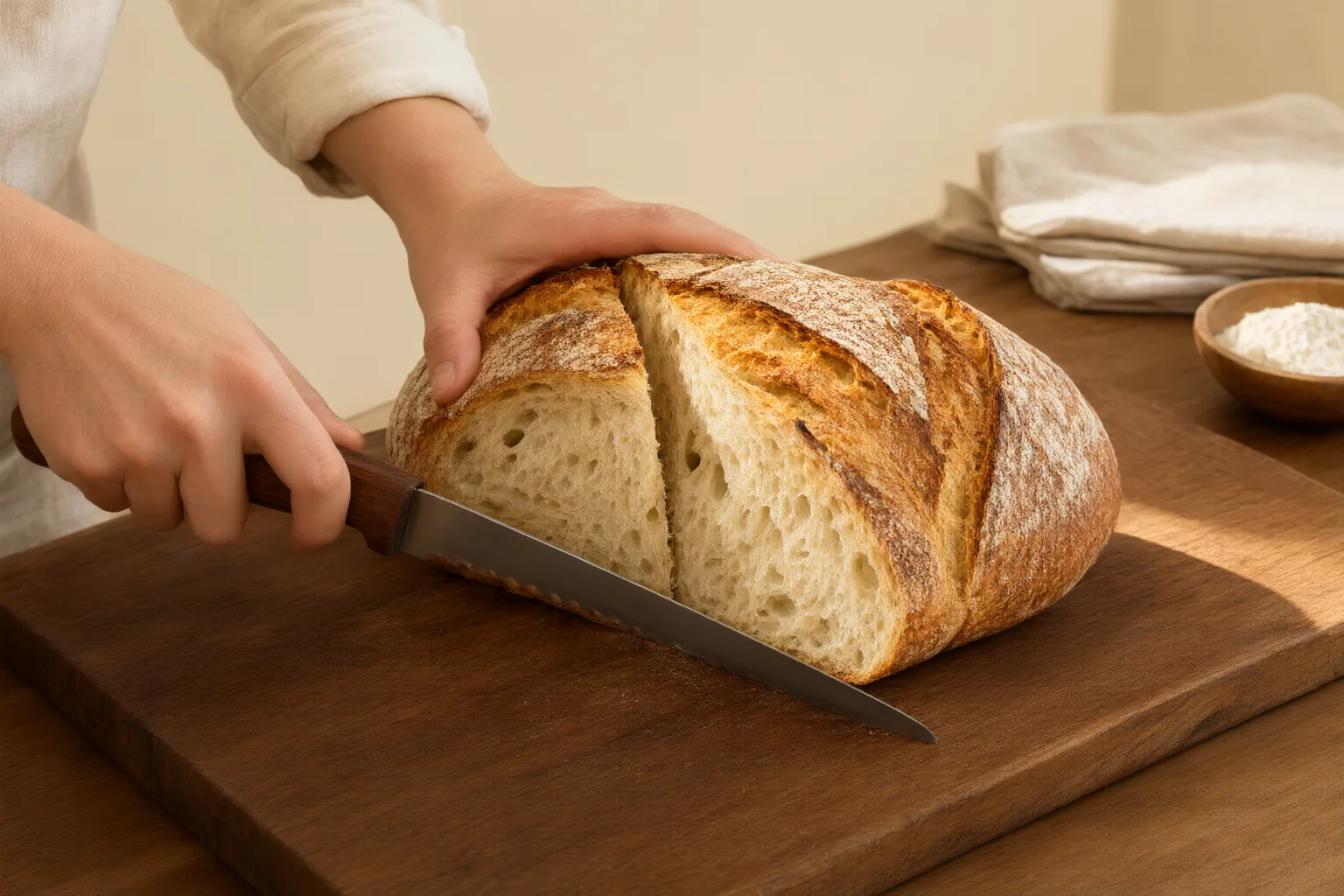
Apparent size can change when products are photographed at different distances, angles, or crop levels. The bakery-visual guidance recommends recording portion scale and keeping angles, scale, framing, backgrounds, shadows, and label placement consistent across a catalog. That consistency can make products easier to compare, but it does not provide exact dimensions or portions.
When comparing images, first check whether the products occupy similar amounts of the frame. Then compare camera angle, cropping, plates, trays, or other visible reference objects. Notice whether shadows, backgrounds, and label positions are consistent enough to support a side-by-side judgment. A tightly cropped item should not automatically be considered larger than an item surrounded by more empty space.
Use visual consistency as a comparison aid, not as a measurement tool. If two photographs use different framing or perspectives, rely on explicit catalog text rather than estimating size or quantity. Without stated dimensions, weights, or counts, the images support only a cautious visual comparison.
Conclusion
The safest reading rule is straightforward: a photograph shows visual context, while explicit catalog text confirms what is offered. Slices and exposed interiors may reveal crumb, filling, layers, or finish; they do not necessarily represent additional included pieces. Consistent scale, angles, and framing can improve comparison, but they cannot replace a quantity statement.
Before deciding, match the image with the product name, count or quantity statement, caption, and description. Do not assume that every visible piece is included or that similarly framed products share the same size. If the listing does not clearly state the item count or explain the arrangement, ask the store for clarification before choosing.
Disclosures and limitations
- This article was prepared with AI assistance using only the supplied CapCut bakery-visual guidance and Esri catalog documentation. The sources do not verify Kampoeng Roti’s images, quantities, ingredients, prices, availability, or labeling practices, and no product or affiliate recommendation is presented.
Related reading
- Explore Kampoeng Roti Products
- How to Use Product Codes to Match Kampoeng Roti Catalog Listings at an Outlet
Sources
- Raster Catalog Item | ArcGIS REST APIs | Esri Developer — developers.arcgis.com
- AI Images for Bakery Catalogs: Create Pastry Visuals — CapCut